Infoportal
Xilinx SDK
Installation
Note: A Xilinx account is required!
Standalone SDK installation
- Download the
SDK 2019.1 web installerfrom here:
https://www.xilinx.com/support/download/index.html/content/xilinx/en/downloadNav/vitis/archive-sdk.html
After a successful download start the installer.
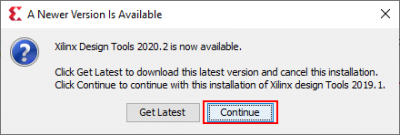
Continue:
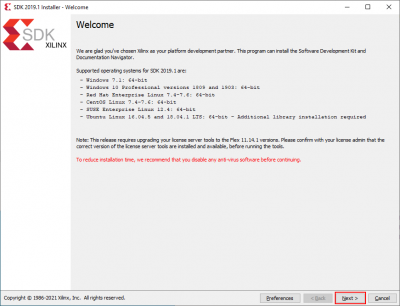
Next:
- Insert your Xilinx account credentials, select
Download and Install Nowand click onNext >:

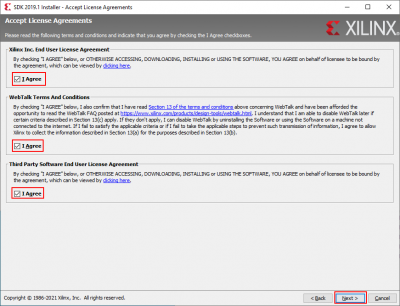
- Agree on everything and click on
Next >:
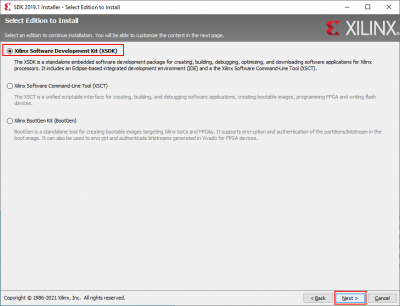
- Select
Xilinx Software Development Kit (XSDK)and click onNext >:
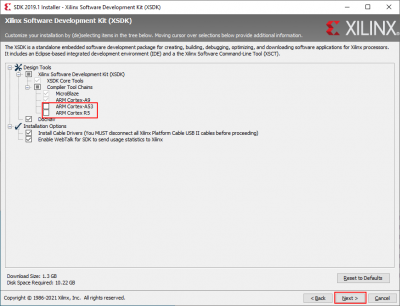
- Uncheck
ARM Cortex-A53andARM Cortex R5. Click onNext >:
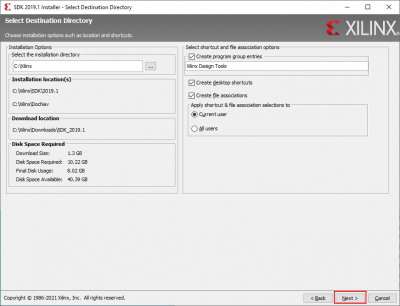
- Click on
Next >…
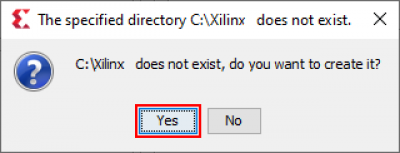
…and confirm by clicking onYes:
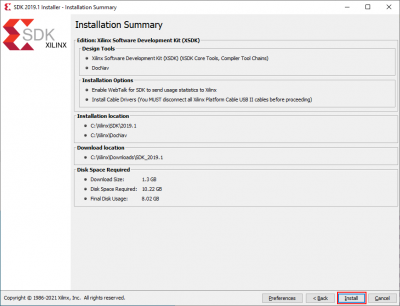
- Click on
Install:
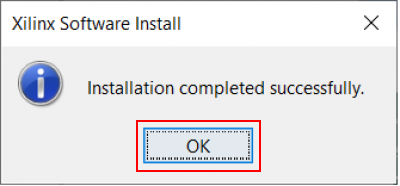
- After installation confirm by clicking on
OK: